


Description
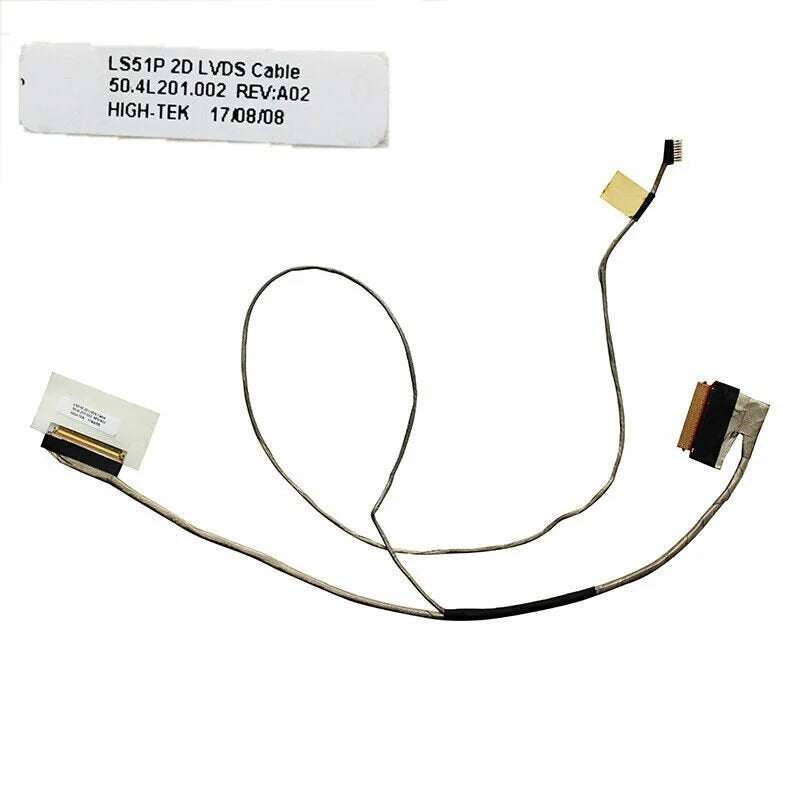
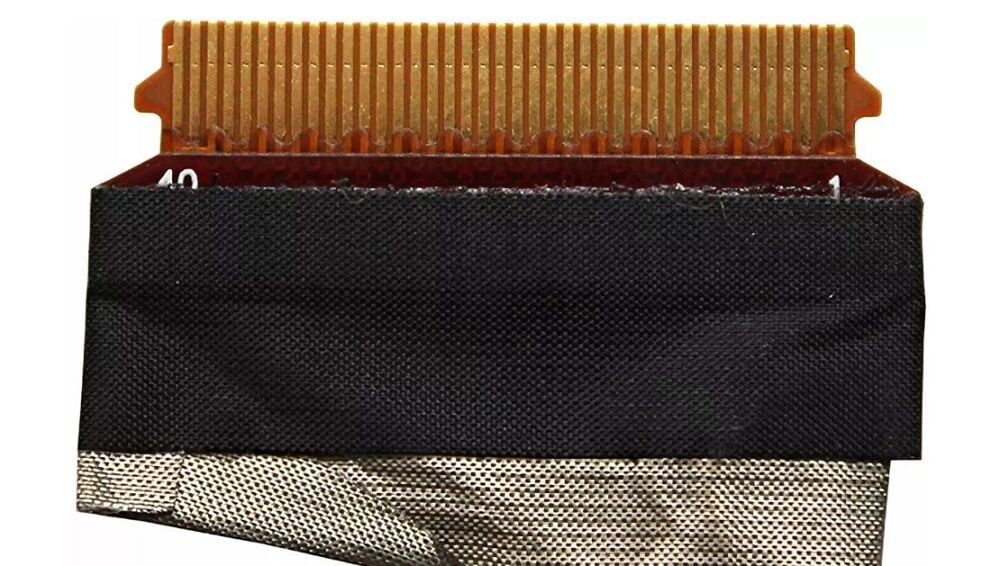
Noteware Lenovo Compatible Ideapad S510P LS51P Non-Touch LCD LED LVDS Flex Screen Cable
High-quality, original-standard LCD LED LVDS flex screen cable for non-touch screens in Lenovo Ideapad S510P and LS51P series laptops. Ideal replacement part for resolving screen image distortion, lines, and flickering issues.
Compatible Models:
- Lenovo Ideapad S510P
- Lenovo Ideapad LS51P
- Other Lenovo models using Part Number: 50.4L201.002, 50.4L201.021, 50.4L201.031, 50.4L201.011
Technical Specifications:
- Part Number: 50.4L201.002
- Alternative Part: 50.4L201.021, 50.4L201.031, 50.4L201.011
- Screen Type: Non-Touch
- Product Type: LCD LED LVDS Flex Video Cable
- Product Code: NWEGK-LN060
- Brand: Noteware
- Condition: New, Original Quality
- Weight: Approximately 10g
Product Specifications:
- Manufactured to original quality standards.
- Designed for non-touch screens.
- High-quality flexible cable material.
- It fixes screen display problems.
- Easy assembly
- Long-lasting and durable
- 100% tested
- Fully compatible
Areas of application:
- Lines, flickering, and color distortion on the screen.
- Screenshot disappears
- Image loss when the screen is turned on and off.
- Replacement of damaged or worn LCD cable.
Important Note:
This cable is designed for non-touch screens. Please check your screen type and part number before purchasing.
Package Included:
- 1 x Noteware Non-Touch LCD LED LVDS Flex Display Cable (50.4L201.002)
Salman Computer - The Address for Reliable Shopping
▪ Shipping Information: Your orders will be carefully packaged and shipped within 1-2 business days. Delivery time varies between 2-5 business days depending on your region.
▪ Warranty: All our products come with an invoice and are covered by a post-sales support guarantee.
▪ Contact: You can contact us to get detailed information about our products and to place an order.
▪ Quality Assurance: At Salman Computer, customer satisfaction is our priority. We offer original and tested products.
▪ Compatibility Note: Please check your existing part number and screen type (touch/non-touch) before purchasing.